
Minecraft PvP practice for Java and Bedrock

ShardPVP is a free practice server. Fight bots, drill anchors, aim and water-bucket MLGs, then queue ranked 1v1s and climb the tiers.

Server addressshardpvp.xyz

Checking server status

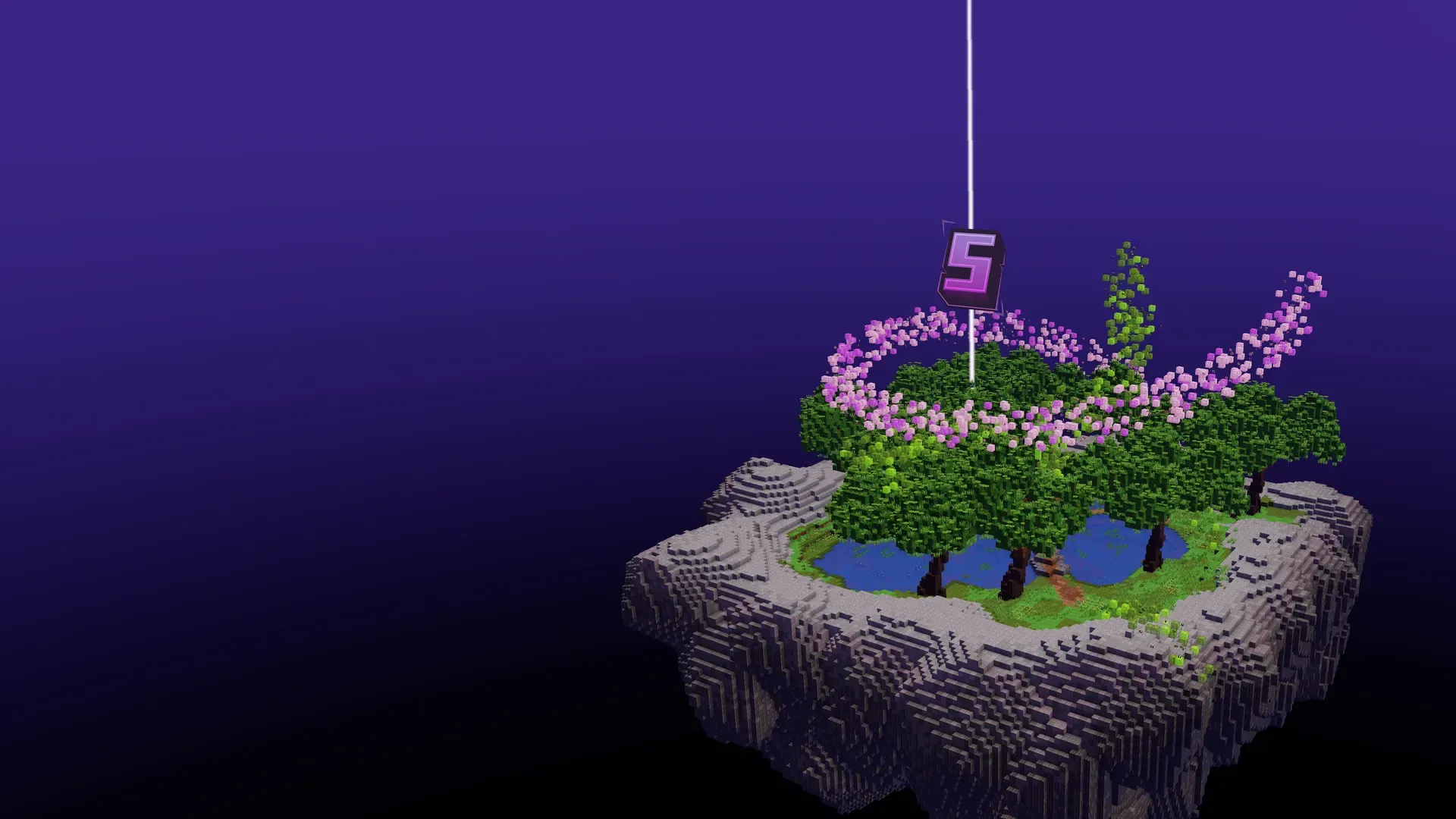
The ShardPVP spawn: a floating island with ponds, oak trees and a ring of cherry blossom under a beacon
Editions
Java and Bedrock
Version
1.21+
Price
Free to play
Start with
/train or /1v1

Practice modes

Four drills for the mechanics that decide fights. Open them with /train; your scores and best times are saved.

  1. Bot practice

    Fight a bot with the armor, gravity and size you pick. Toggle practice mode, glow, shields and block removal.

    /bot

  2. Air place

    Respawn-anchor air-place drills for anchor PvP. Build longer and longer chains.

    /airplace

  3. Aim trainer

    Targets appear 3 to 5 blocks in front of you. It tracks your hits, speed, accuracy and reaction time.

    /aim

  4. Bucket MLG

    Water-bucket clutches from 100 to 250 blocks over six levels, with a launch delay, streaks and best scores.

    /mlg

Seven RTP arenas

/rtp teleports you into one of seven arenas. Go straight to a biome with its own command, or set your default in /rtpgui.

  • Desert/desert
  • Badlands/badlands
  • Plains/plains
  • Snow/snow
  • Mushroom/mushroom
  • Flat/flat
  • Random/random

Duels and ranked tiers

Queue a 1v1 against a random player or challenge someone directly. Ranked matches move your MMR and your tier in Sword, Mace, Pot and Crystal.

/1v1
Join or leave the 1v1 queue. You get matched into an RTP arena.
/duel <player>
Challenge a specific player.
/stand <player>
Your head-to-head score against someone.
/tiers [player]
Ranked tiers for Sword, Mace, Pot and Crystal, or MCPVP kit tiers.

Optional Fabric mod · Minecraft 26.2

ShardClient

Our free, open-source Minecraft PvP client, with keystrokes, CPS, zoom and a lyrics mod that shows the song you're playing in game. Or keep your own setup and add only the match overlays with Light. You can play without either.

Full Client

  • Custom main menu and server list
  • Client menu on Right Shift, with modules and a HUD editor
  • The ShardPVP look throughout the game
  • Everything in Light

Light

  • Queue and match overlays
  • Match results with your rank progress
  • Notifications from the server
  • The ShardClient badge next to names

Set it up your way

Thirteen options in /settings, from the weather to faster crystals. They change the server for you and nobody else.

  • Weather
  • Time
  • Faster crystals
  • Night vision
  • Scoreboard
  • Explosion particles
  • Queue music
  • Join messages
  • Death messages
  • Tier source
  • TPA requests
  • TPAhere requests
  • Debug
More commands/tpa/tpahere/back/spectate/nv/heal/armortrims/rtpgui

Rules

Short, and enforced: breaking them can get you banned. In game you can read them with /rules.

General rules

  1. 01No abusing unintentional bugs
  2. 02No attempted duplicating
  3. 03No Duplicating Items
  4. 04No Finding or Using the Seed
  5. 05No Lying to Staff Members
  6. 06No Doxxing, Swatting, or DDoSing
  7. 07Report All Bugs and Glitches in the Discord
  8. 08Respect All Staff Members
  9. 09Do Not Disrespect Staff Members
  10. 10Do Not Argue with Staff in Public Chats
  11. 11Open a Ticket if Needed
  12. 12Follow All Staff Instructions Immediately

Client rules

  1. 01No hack clients (e.g. Wurst, Meteor)
  2. 02No movement mods
  3. 03No inventory mods
  4. 04No health indicators
  5. 05No radar
  6. 06No freecam
  7. 07No autoplace
  8. 08No macros or scripts

Chat rules

  1. 01No spamming or rioting
  2. 02No harassing or abusing others
  3. 03No sharing other's information (Doxxing)
  4. 04No advertising or promotion
  5. 05No racism, discrimination or hate speech
  6. 06No death threats or suicide encouragement
  7. 07No sexual content or remarks
  8. 08No staff harassment

Play now at shardpvp.xyz

Free on Java and Bedrock, 1.21+. Nothing to install and nothing to unlock.

Server addressshardpvp.xyz

Checking server status

  1. 1In Minecraft, open Multiplayer (Java) or Servers (Bedrock).
  2. 2Add a server and paste the address.
  3. 3Join, then type /train or /1v1.