Full Client
The complete ShardPVP client.
- Custom main menu and server list
- Client menu on Right Shift, with modules and a HUD editor
- The ShardPVP look throughout the game
- Everything in Light
A free, open-source Minecraft PvP client for Fabric 26.2, made by ShardPVP: 34 modules, a lyrics mod and our server integration. Get the Full Client, or keep your own setup and add only the server integration.
Latest release
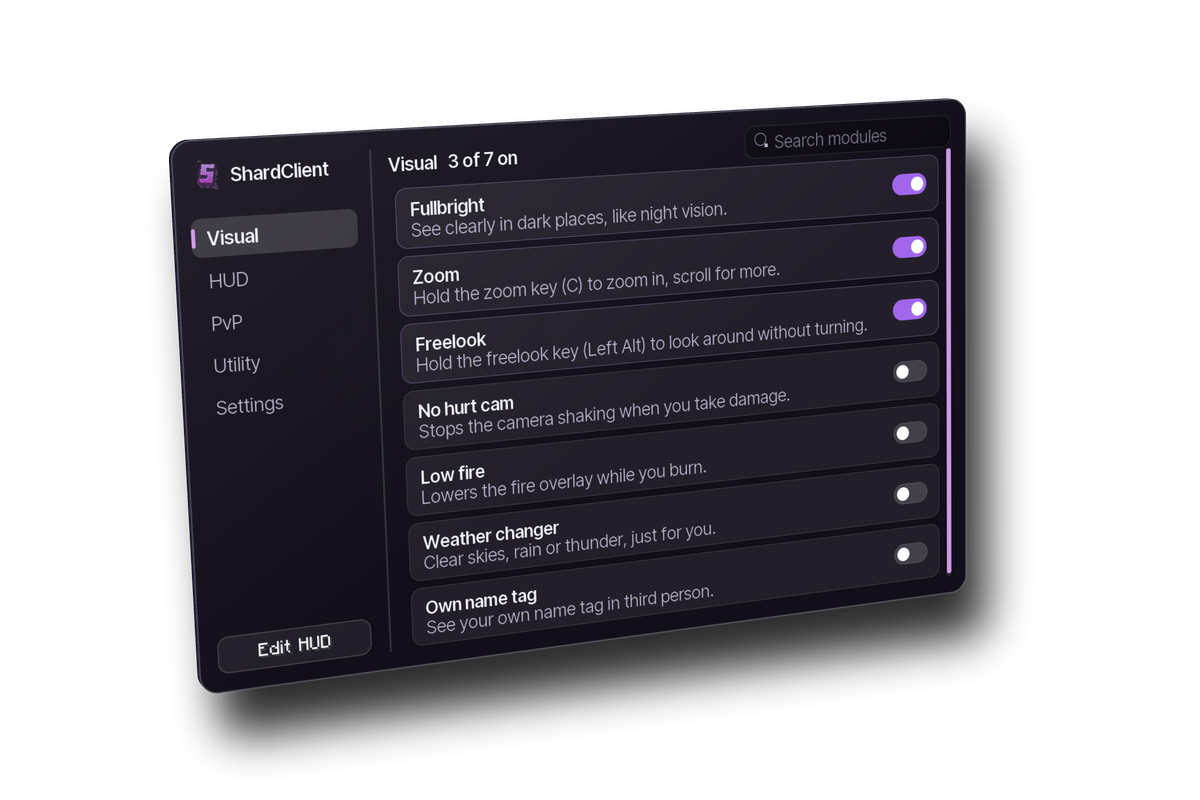
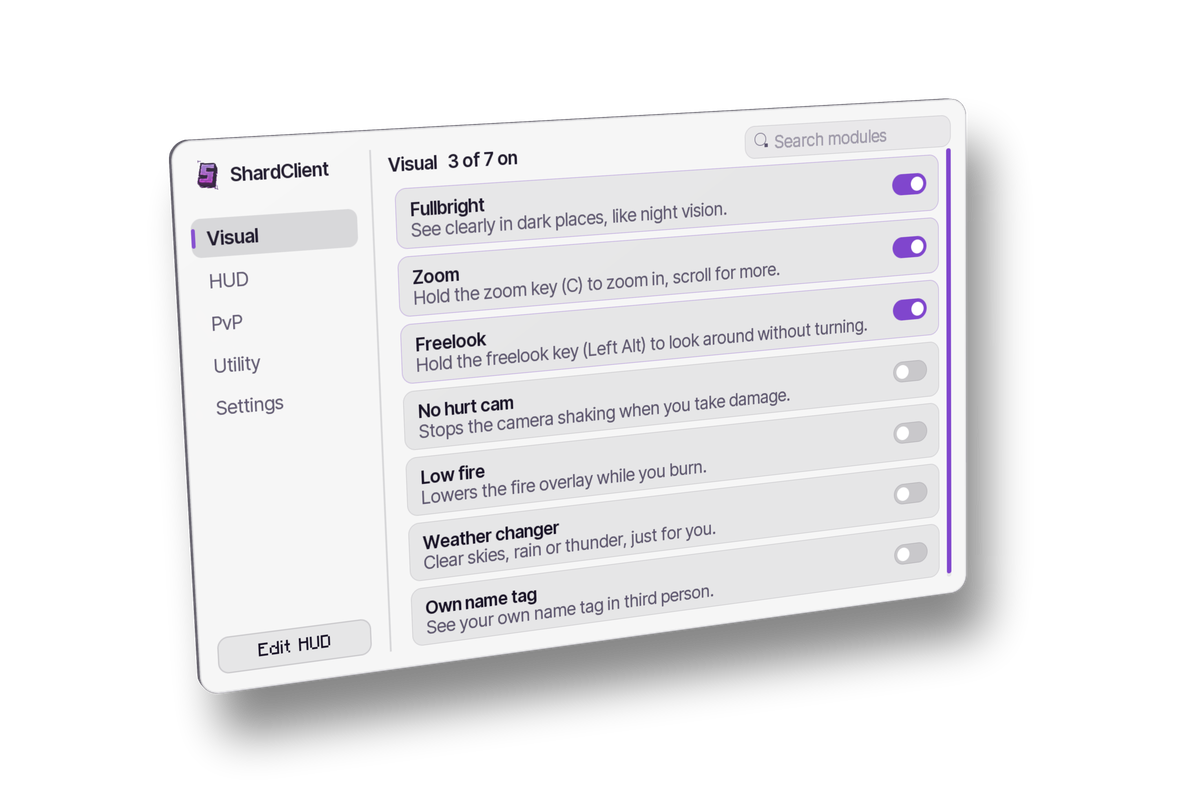
The complete ShardPVP client.
Only the server integration, for players who want to keep their own client setup.
Install only one of the two. Full and Light don't run together. You don't need either to play: without ShardClient the server works exactly the same, the mod only adds extras.
Full Client
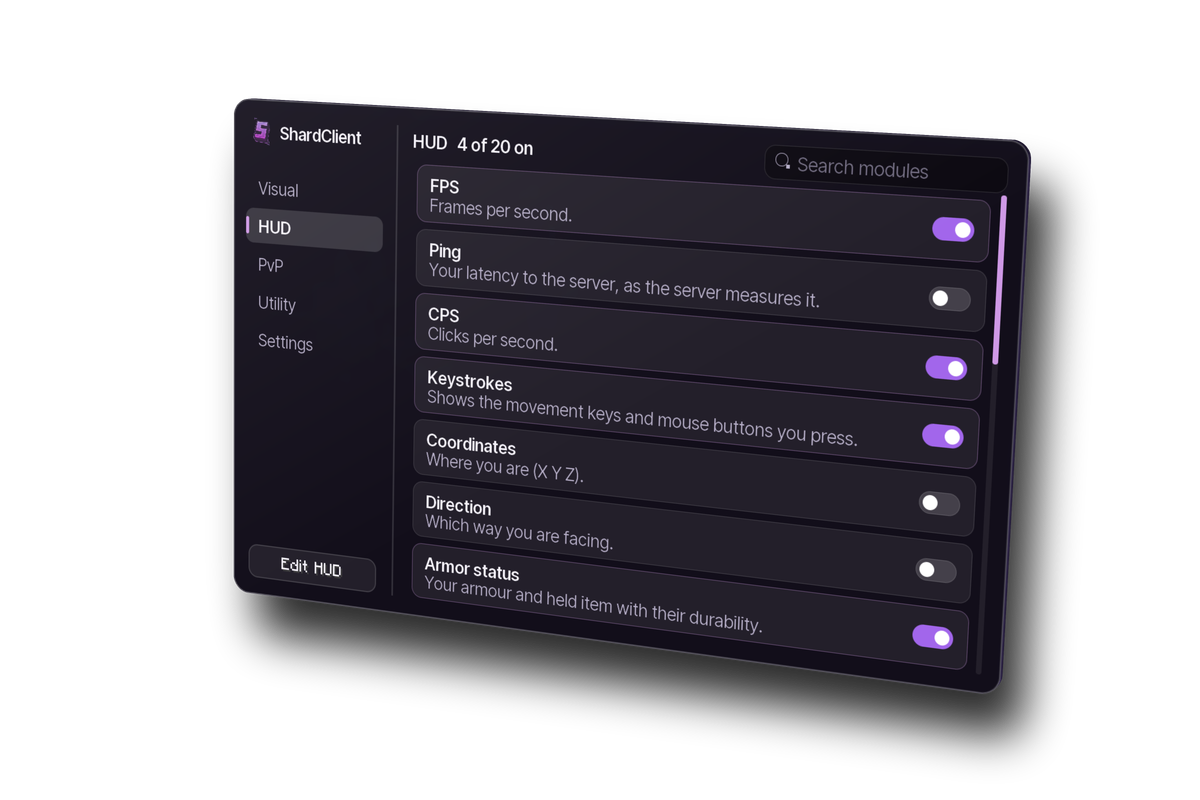
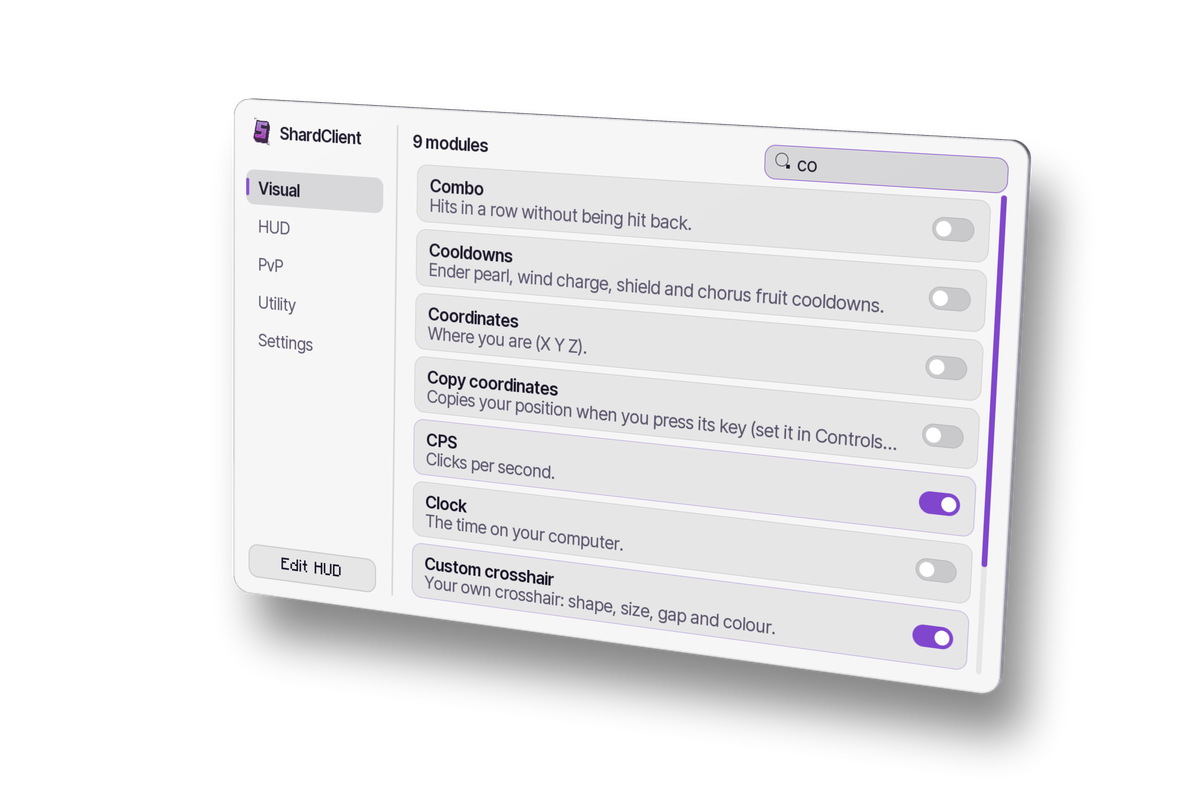
Press Right Shift in game for the client menu. Modules are grouped into tabs like Visual, HUD and PvP, one search finds any module, and the HUD editor places everything on screen.
Full Client
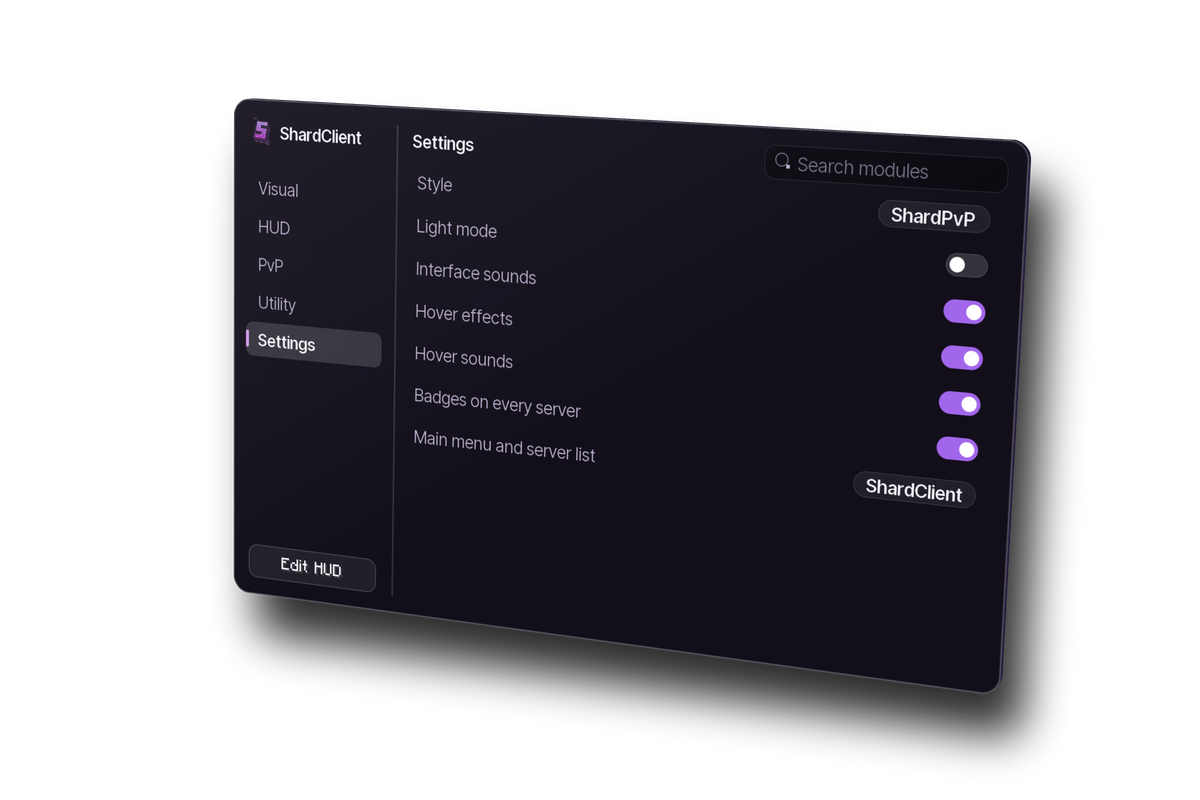
Make the menu yours: pick its style, switch between dark and light mode, and turn hover effects on or off.
Full Client
Play music while you play Minecraft and the Lyrics module shows each line as it's sung, as a HUD or as 3D text in the world around you.
Lyrics come from the free LRCLIB database. Reading what's playing works on Windows; the rest of ShardClient runs everywhere Minecraft does.
Big uppercase lines up in the sky, filling in as they’re sung. A custom setup, like the one in the trailer. Demo song: “Skyline”, written for this page.
Full Client
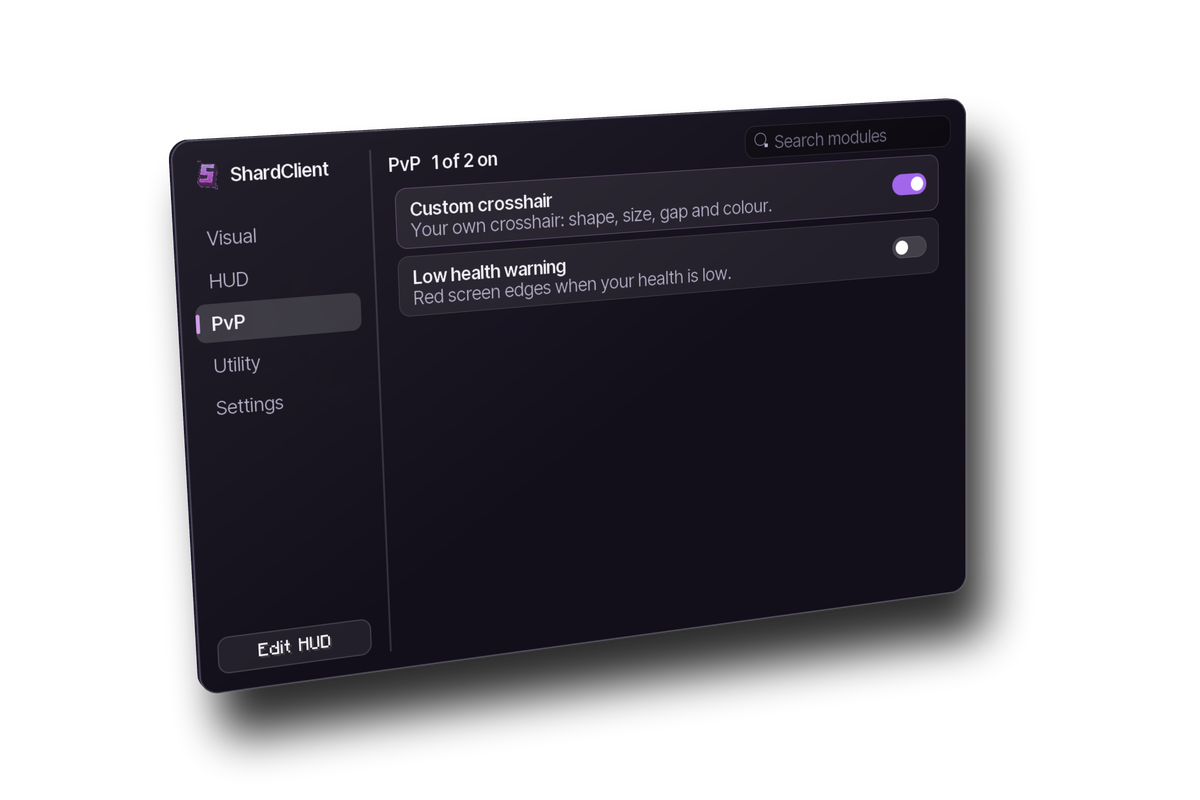
Keystrokes, CPS, reach and combo counters, totem pops and the rest of what PvP players expect from a client, on any server, all free.
Four steps. ShardClient installs like any other Fabric mod.
.minecraft/mods folder.fabric-loader-26.2 profile in the launcher.ShardClient is open source (GPL-3.0), so anyone can check what it does. To show the ShardClient badge on every server, it signs in to ShardPVP with Minecraft's own identity check (your login never reaches us) and asks which players around you also use ShardClient. Only player UUIDs are exchanged, never chat, server addresses or anything else, and you can turn badges off in the client settings.